
Automating Your Nutrition Practice: Save 10+ Hours Per Week
Discover how to automate your nutrition practice and save 10+ hours per week. Learn about meal plan automation, client onboarding, payments, and workflow optimization.
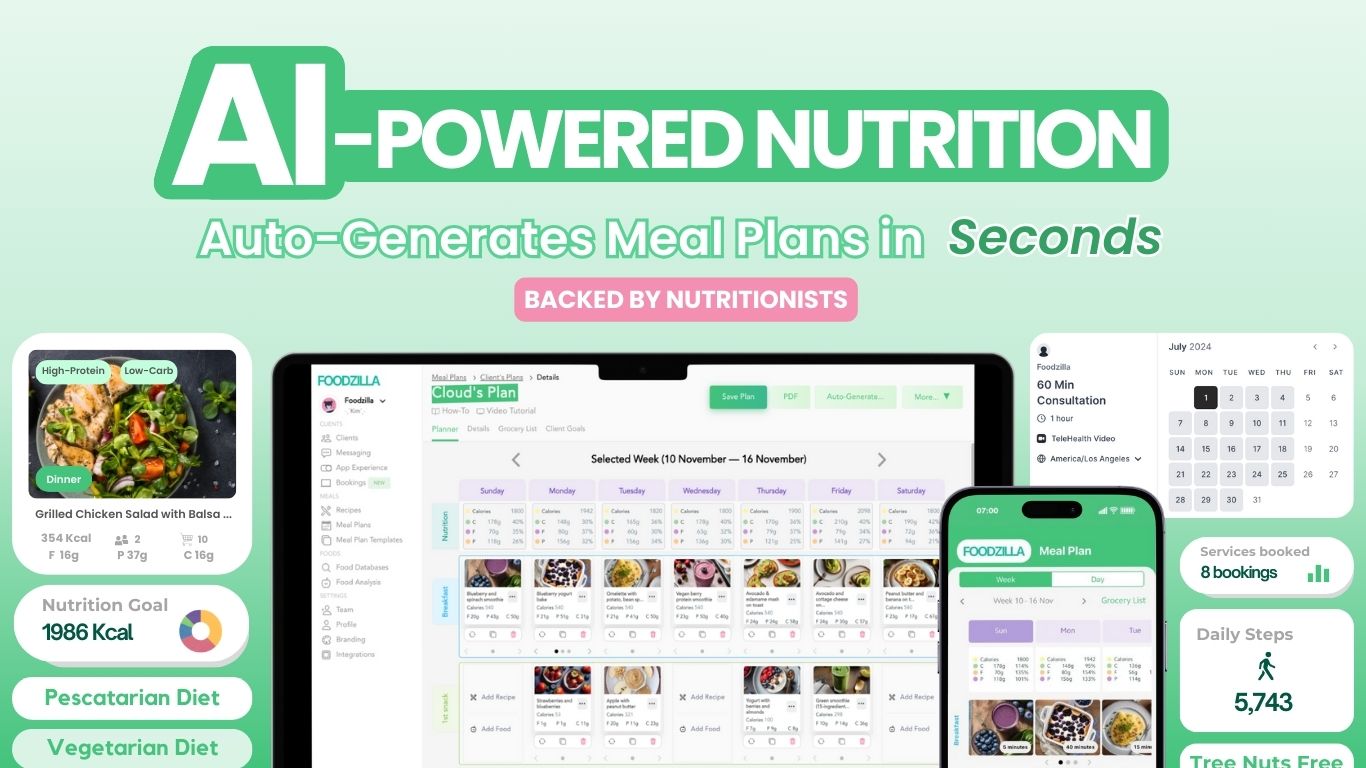
Running a nutrition practice involves far more than client consultations. Admin tasks, meal planning, scheduling, and communication can consume most of your week. Strategic automation frees you to focus on what you do best—helping clients achieve their health goals.
What Can You Automate?
1. Meal Plan Generation
2. Client Onboarding
3. Scheduling
4. Payments and Invoicing
5. Client Communication
6. Progress Tracking
Time saved: 2-3 hours per client
Time saved: 30-60 minutes per client
Time saved: 2-3 hours per week
Time saved: 2-4 hours per week
Time saved: 1-2 hours per week
Time saved: 1-2 hours per week
- Automated meal plan generation based on client parameters
- Template libraries for common nutrition goals
- Instant grocery lists and recipe scaling
- Automated welcome emails with next steps
- Digital intake forms and health questionnaires
- Auto-provisioning of client app access
- Online booking eliminates back-and-forth emails
- Automated appointment reminders reduce no-shows
- Calendar sync keeps you organized
- Automatic billing for recurring clients
- Online payment processing
- Automatic receipts and payment confirmations
- Automated check-in reminders
- Centralized messaging through client app
- Scheduled email sequences for program delivery
- Client self-logging through mobile app
- Automated reports and dashboards
- Real-time visibility into client compliance
Building Your Automation Stack
All-in-One vs. Pieced Together
Essential Features to Look For
You can either use multiple specialized tools connected via Zapier, or choose an all-in-one platform. All-in-one solutions are simpler to manage and create a more cohesive client experience.
- Automated meal plan generation
- Client mobile app for delivery and tracking
- Built-in payment processing
- Client communication tools
- Integration capabilities (Zapier, calendars)
Implementation Roadmap
- Week 1: Set up meal planning automation
- Week 2: Create onboarding workflows
- Week 3: Automate scheduling and reminders
- Week 4: Set up payment automation
- Ongoing: Refine and add advanced automations
ROI of Practice Automation
Saving 10+ hours per week means you can:
- See 5-10 more clients without working more hours
- Improve work-life balance significantly
- Reduce admin burnout and frustration
- Deliver more consistent client experiences
Start Automating Today
Explore Foodzilla Features
Foodzilla combines meal planning automation, client management, a branded mobile app, and payment processing—everything you need to automate your nutrition practice in one platform.
- Share Recipe PDFs
- Dietitian-Approved Recipes
- Custom Recipe Labels
- Save Recipes from Meal Plans
- Duplicate Recipes
- Personalized Recipe Access