
How to Reinvite a Former Client
Inviting a previously added client to Foodzilla is simple. Just follow these steps to send an invitation and comply with privacy laws.
Inviting Previous Clients
- Go to the Clients Page:
- Click on the three dots (...) on the client card.
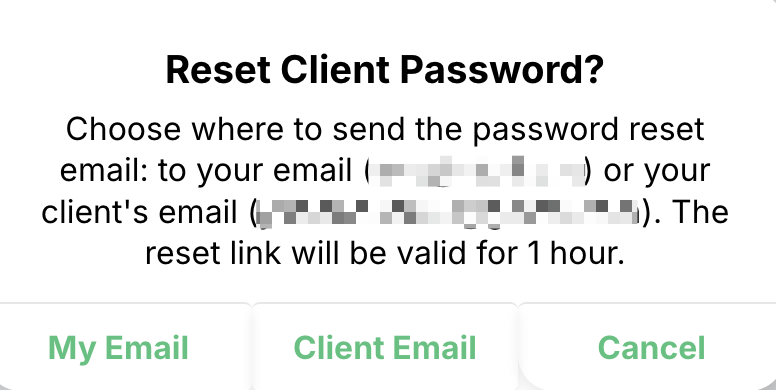
- Select Reset Password
-
Send to Client Email.
Troubleshooting Invitation Issues
- What if my client didn't receive the invitation?
- This is unlikely since we use a reliable email service provider like those used by Microsoft and Facebook.
- If needed, you can resend the Reset Password email to yourself and then forward it to your client.
Still having issues?
If you still encounter issues, please contact our support team using the chat bubble. We are here to help and ensure your client's invitation process runs smoothly. 😊