
Set Up Paid Bookings with Stripe
Enabling Paid Bookings on Foodzilla
With Foodzilla, monetizing your bookings is straightforward and efficient, ensuring that scheduling and payment collection for your services is hassle-free. Whether you're offering nutrition consultations, personal training sessions, or health coaching, you can easily collect payments before your appointments begin. 💯
How to Set Up an Service Type to Receive Payments
Foodzilla integrates with Stripe, a leading payment processor, to enable you to receive payments directly when someone books your paid service types.

Setting up Stripe Integration:
- Access Stripe Integration:
- Navigate to the Integration section in your Foodzilla Booking page, and find the Stripe integration. If you've already connected Stripe before (for example for your store or paid forms), this will already be enabled for you.
- Connect to Stripe:
- Click ‘Connect’ to add the Stripe app to your Foodzilla account.
- Connect Your Stripe Account:
-
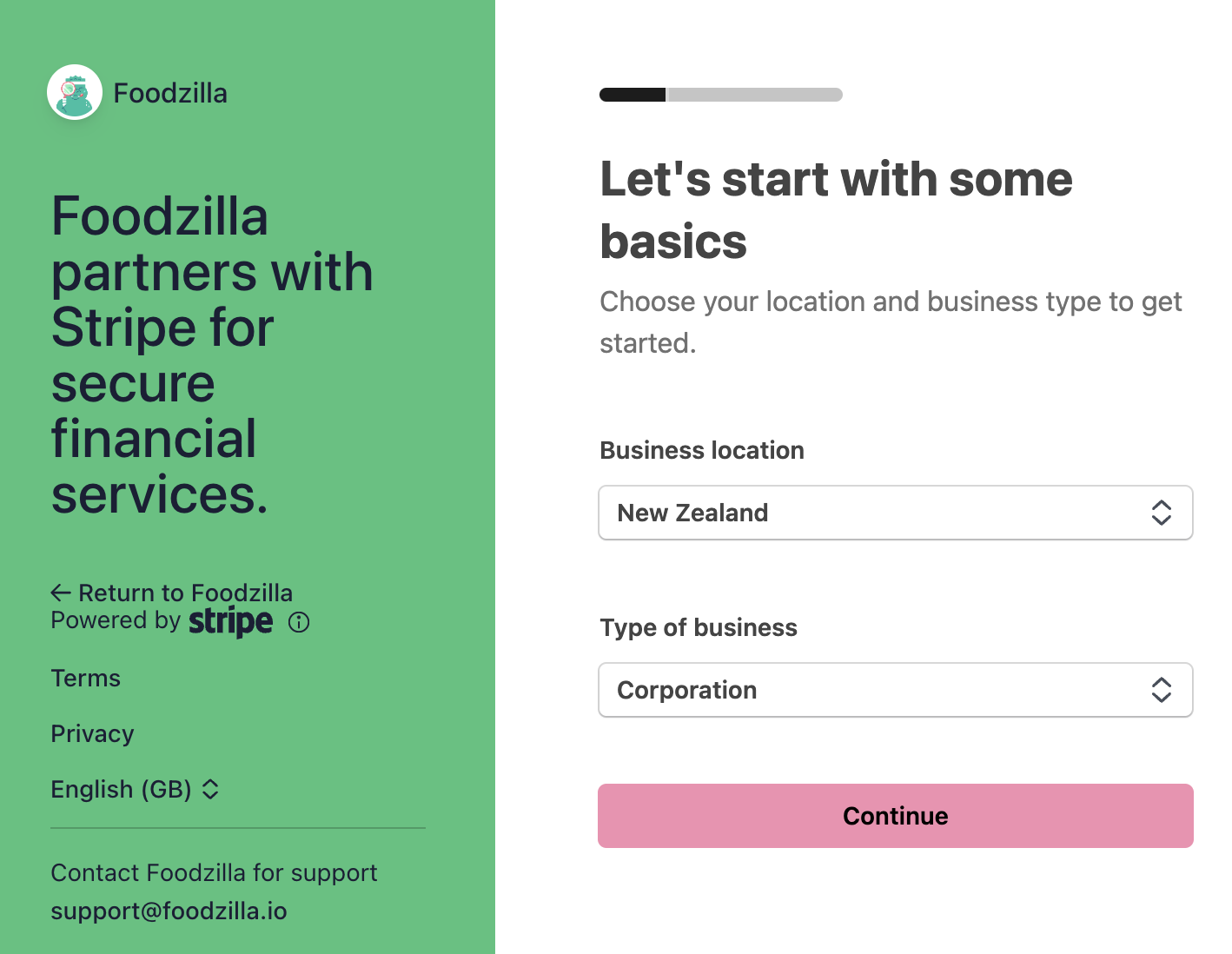
Follow the on-screen instructions to connect your existing Stripe account. If you do not have a Stripe account, you will have the option to create one during this process.
-
- Configure Payment for a Booking Type:
- Once Stripe is connected, go to your service types. Under the connected apps section, you’ll see Stripe listed.
- Enter the charge amount you wish to apply to the service and save your settings.
- Complete the Setup: That’s it! Once you’ve configured the payments, you’ll receive funds directly into your Stripe account whenever a client books the associated service type.
This integration ensures that financial transactions are handled securely and efficiently, allowing you to focus more on providing exceptional services to your clients and less on administrative tasks. 🦄
Invoicing and Taxes are managed separately via Stripe.